Listen to your screenshots or copied text.
Select an area of your screen or copy some text. Speakybara reads it aloud while you carry on.
- Free
- no account
- Windows 10/11
- ~206 MB
- About 55 MB of memory, no graphics card needed
More time for what matters.
Listen to the text on your screen. Keep your hands free for the rest.
Three ways to get started.
A screenshot, your clipboard or a quick action. You choose what happens to your text.
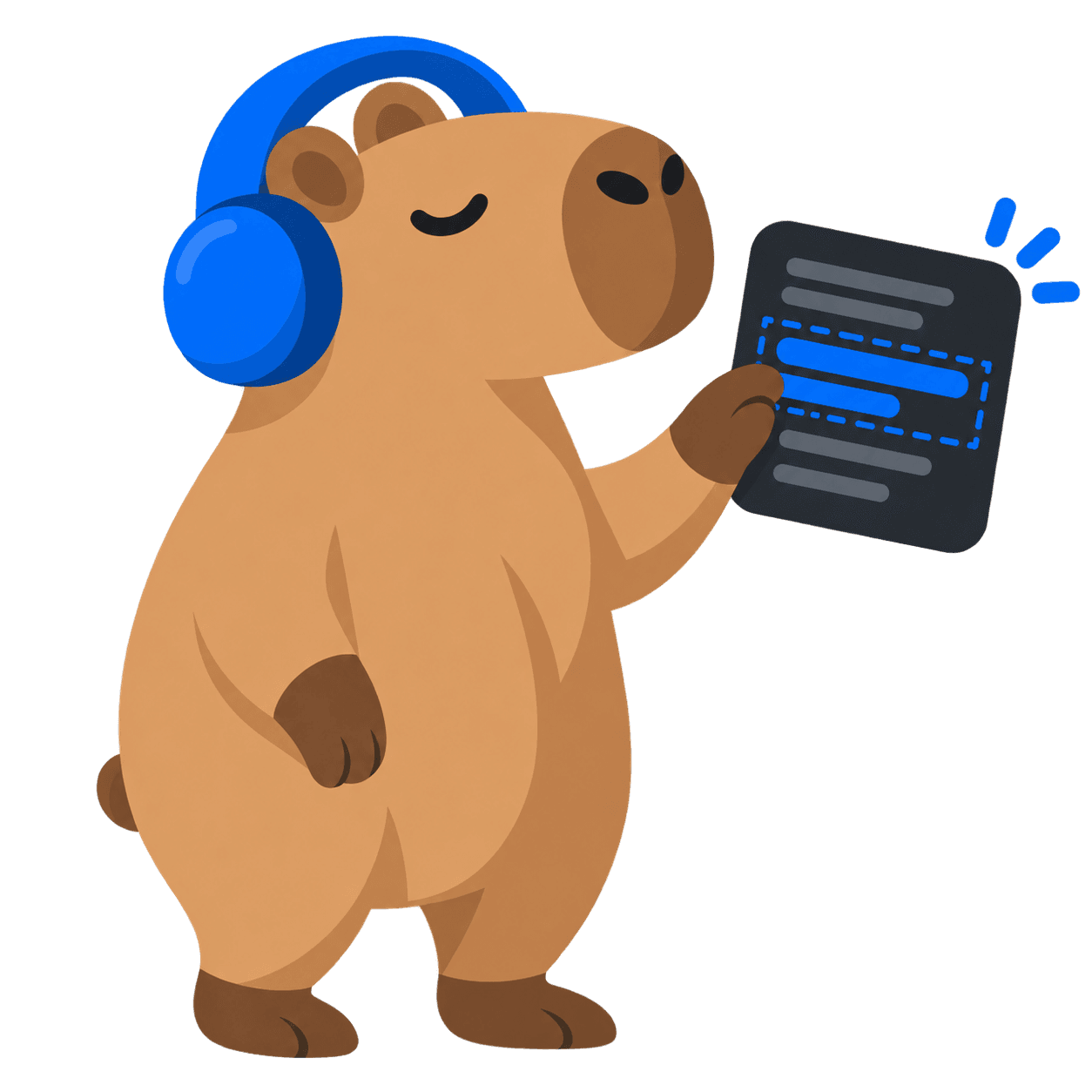
Select and listen
Drag a frame around text on your screen. Speakybara recognises it and starts reading, even when the text cannot be selected.
CtrlAltS
Hear your clipboard
Copied something from an email, website or document? One shortcut reads your clipboard aloud. No pasting needed.
CtrlAltC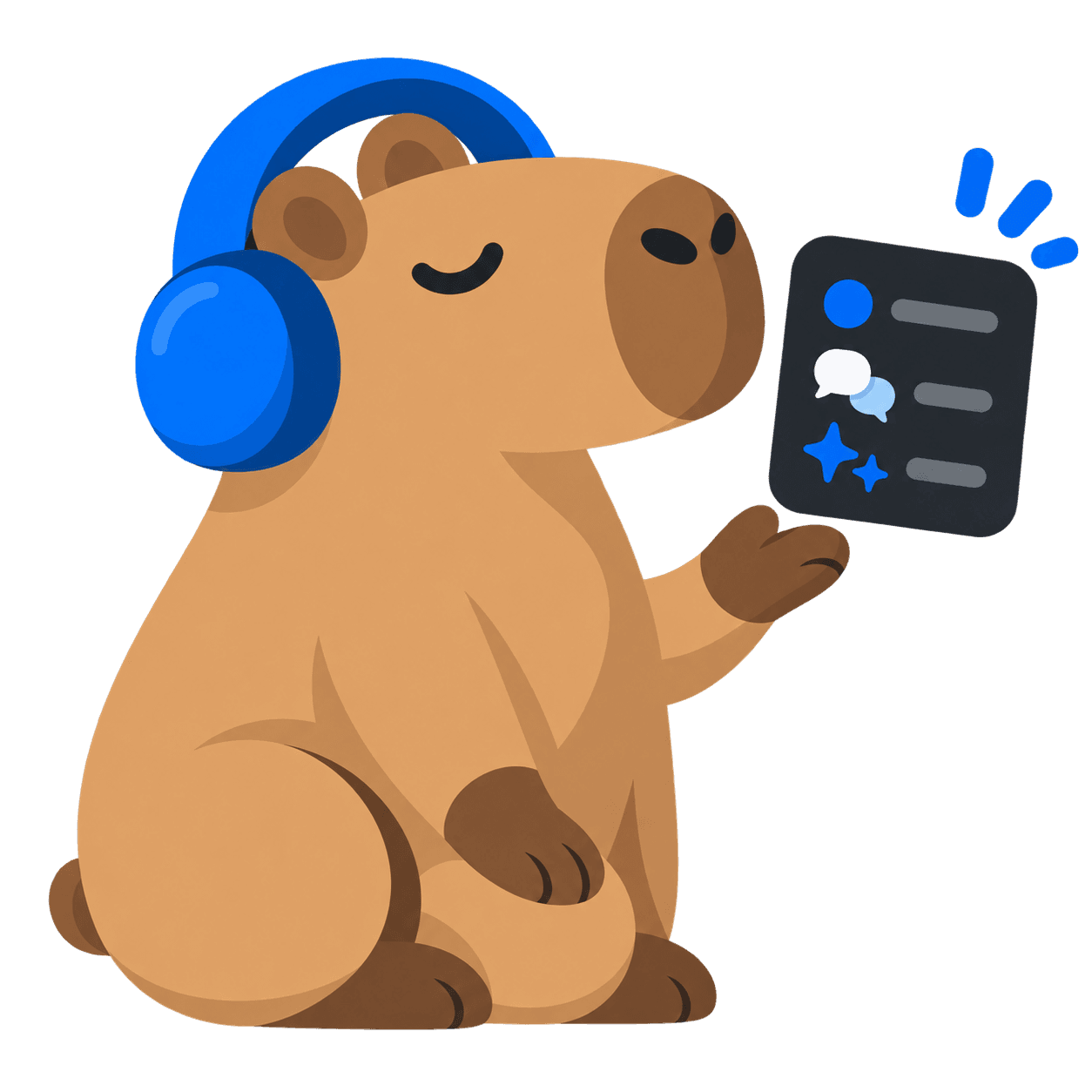
Do more with your text
Create bullet points, translate, summarise or run your own action. Hear the result or send it to your clipboard.
See all quick actions and what they doCtrlAltQ
If you can see it, you can hear it.
Speakybara reads what is on your screen. Even text that cannot be selected or copied.
PDFs & scans
Including Adobe Acrobat
Email & attachments
In Outlook, for example
Microsoft Teams
Chats and shared screenshots
Error messages
Copy them or get an explanation
Videos & lessons
Text in a paused frame
Remote desktop
On another desktop, too


Small app. Plenty of power.
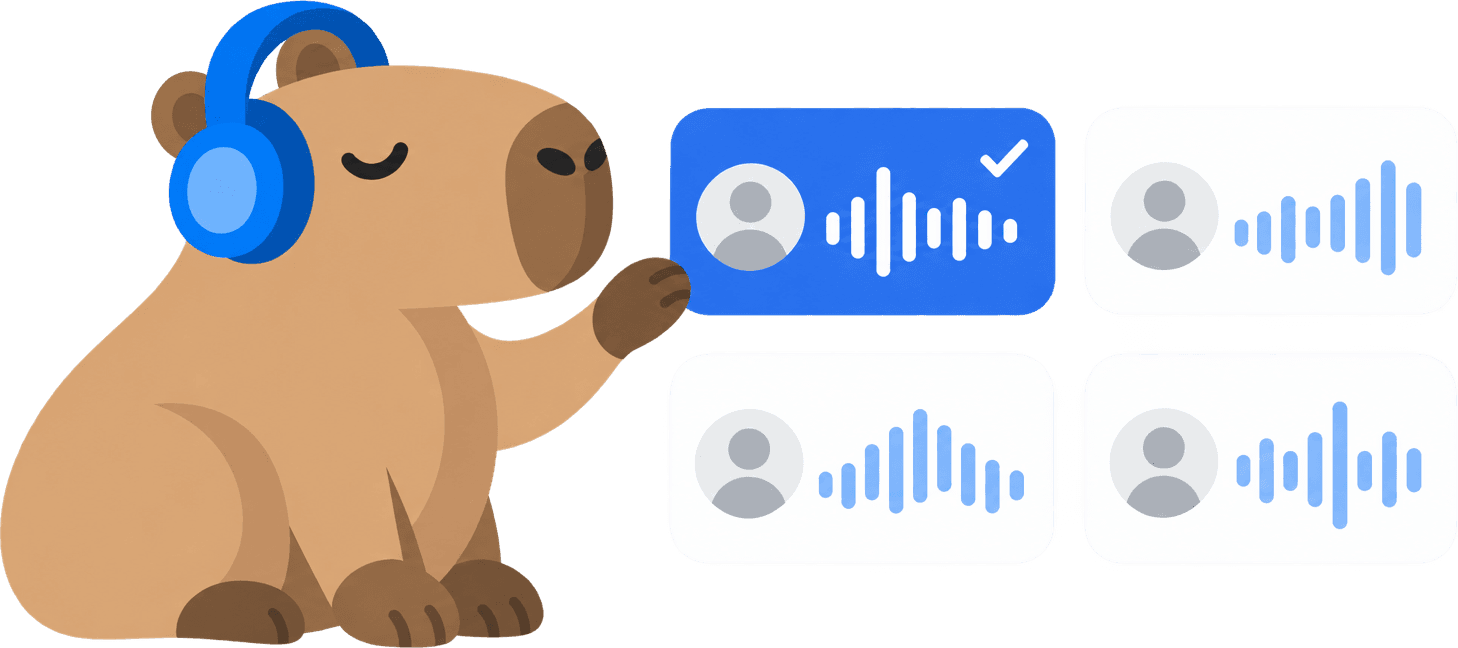 4 providers · 100+ voices
Find your voice
Piper and Windows for local listening. Microsoft Edge and Google Cloud for natural cloud voices. Availability varies by language and provider.
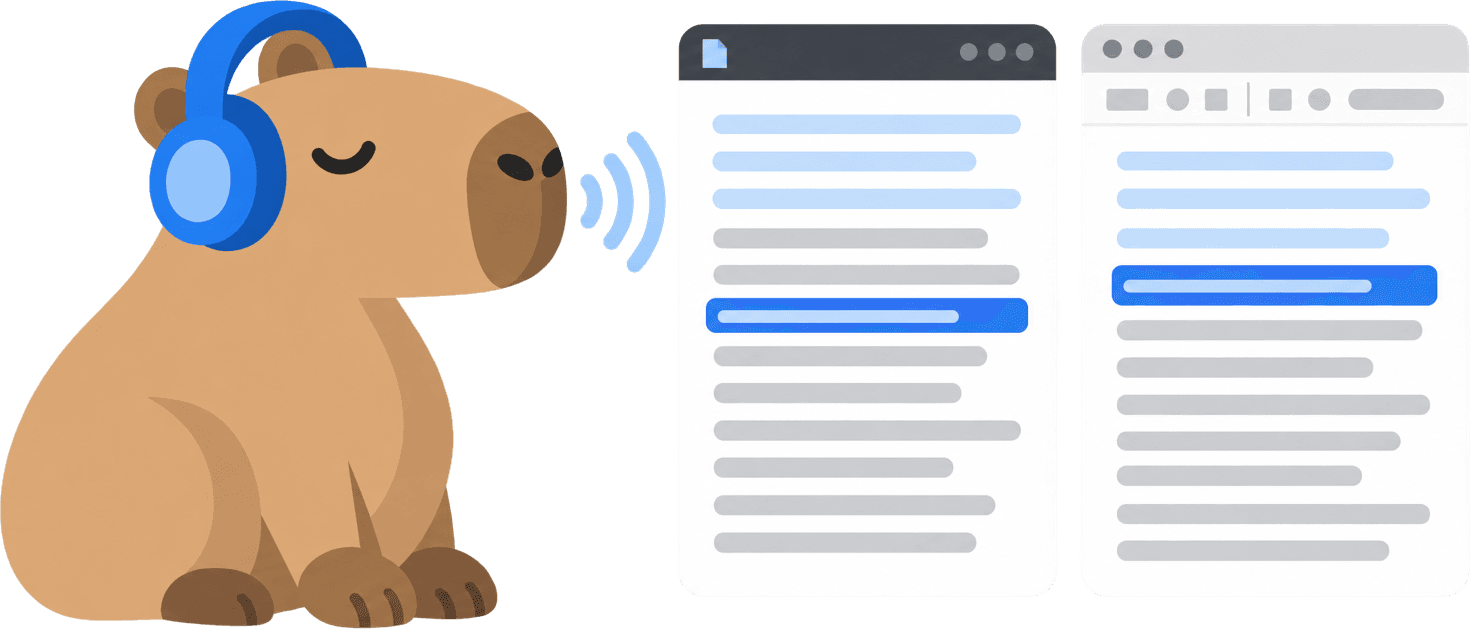
Follow every word on the page
A highlight follows the speech on the page you captured. Click a highlighted word to continue listening from that sentence.
Choose how you follow along
The full window, a compact player, subtitles at the edge of your screen or just audio. Pick a view for the moment.
Your own shortcuts
Start a capture, read your clipboard or run a custom action. Assign the keys that work best for you.
Listen at your pace
Adjust the speed while listening. Pause, replay or jump to another sentence without losing your place.
Quick actions, useful results
Translate, explain, create bullet points or write your own instruction. Hear the answer or copy it to keep working.
- 28 languages
More languages, your choice
Choose a voice for each language, including for multilingual text. The app follows your language preferences; recognition and voices depend on installed languages and your provider.
Privacy is in your own hands
The text recognition runs on your own PC and the image is dropped right after it. You decide the rest: the local history, a voice that works offline, and AI on your own key or on a model on your own machine.

Free and Managed are the same app
No extra features, no locked buttons, no watermark. There is one difference, and it is about setup.
Free, forever
€0forever
Everything the app does, for nothing. Local Piper voices offline, Microsoft Edge voices online, and Google's best voices too if you bring your own key.
Setting that key up takes about 15 minutes, once.
Speakybara Managed
€59per year
The same app, with Google's best voices running through a service we run. No Google Cloud project, no API key, no billing to arrange.
400,000 characters a month, about 133 pages.
You are not paying for software. You are paying to not set anything up.
- Windows10 & 11 · Available
- macOSPlanned

Download Speakybara
Free, no account, and the same app whether or not you ever pay for anything.
Download for Windows